ZATCA Invoicing Software in Saudi Arabia: A Guide for Service Businesses
Service businesses in Saudi Arabia, from maintenance contractors to clinics and logistics providers, face a double challenge in 2026: staying compliant with e-invoicing rules while keeping customers happy when something goes wrong. Choosing the right ZATCA invoicing software in Saudi Arabia is only half the job. The other half is having a structured way to handle complaints and support requests tied to the invoices you issue.
This guide covers what to look for in invoicing software, the common pain points service businesses run into, and how pairing invoicing with a proper complaint process keeps both your compliance and your customer relationships in good shape.
Why ZATCA Invoicing Software Matters Beyond Compliance
ZATCA’s e-invoicing rules are not new. Phase 1, the Generation phase, began on 4 December 2021, and Phase 2, the Integration phase, has been rolling out in waves by revenue since 1 January 2023. VAT in Saudi Arabia is charged at 15%, and every invoice has to reflect that correctly.
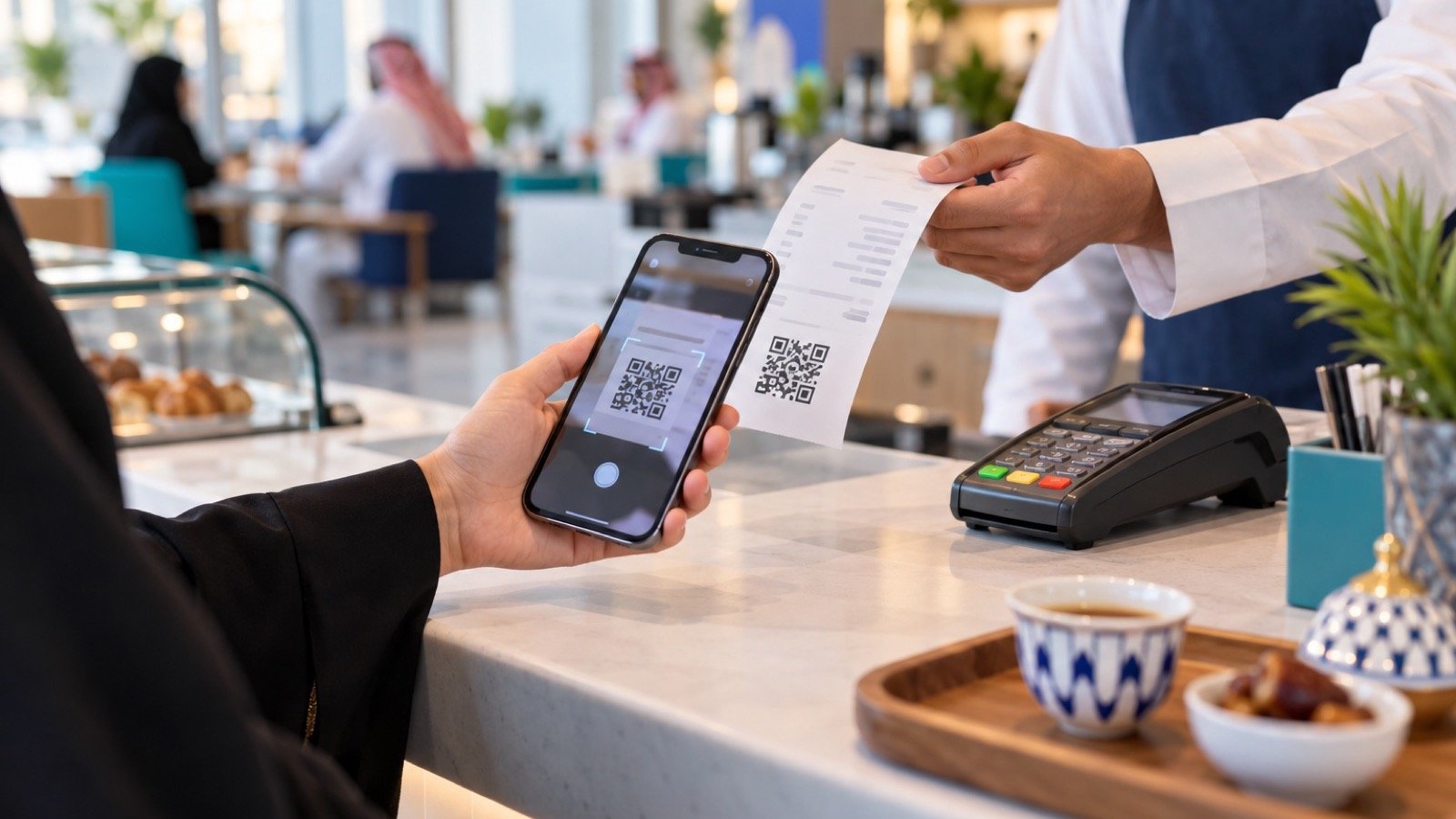
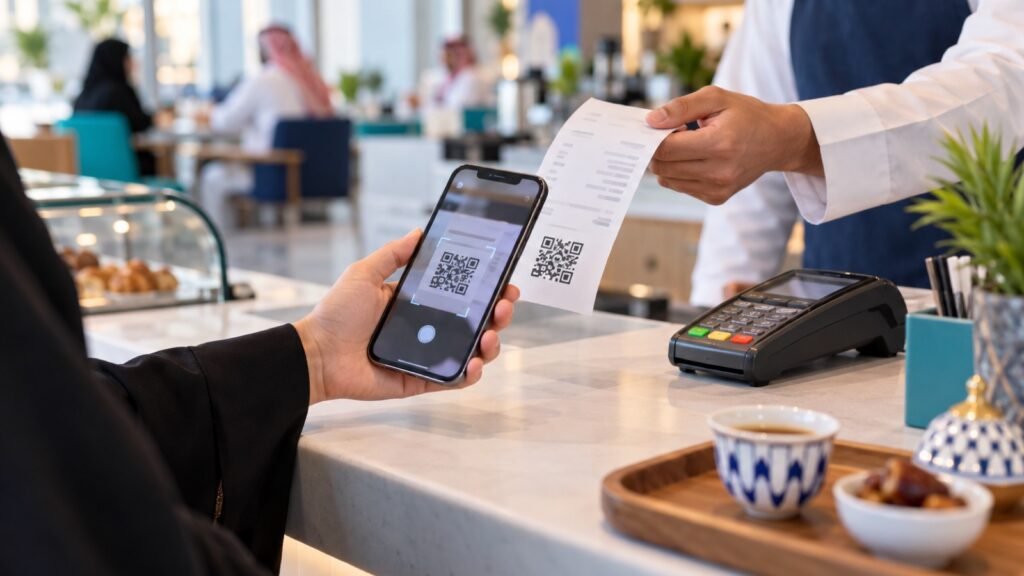
Standard tax invoices, used between businesses, are cleared by ZATCA before reaching the buyer. Simplified tax invoices, used for retail and walk-in customers, are reported within 24 hours and must carry a QR code. Both formats require XML built on the UBL 2.1 structure, or a PDF/A-3 file with the XML embedded and a cryptographic stamp attached. Software that cannot produce these formats correctly puts your business at risk every time you issue an invoice.
What Service Businesses Should Look For
Logistics companies, warehouse operators, clinics and maintenance firms share a common problem: invoices are often issued after a service is delivered, sometimes in the field, and need to tie back to a specific job or ticket. When evaluating software, check for:
- Correct generation of standard and simplified invoices depending on the client type.
- Automatic QR code generation on simplified invoices.
- The ability to link an invoice to a job, ticket or maintenance record for later reference.
- A record of VAT charged per invoice that supports monthly reconciliation without manual recalculation.
Standard vs Simplified Invoices for Service Businesses
| Scenario | Invoice Type | Key Requirement |
|---|---|---|
| Corporate maintenance contract | Standard tax invoice | Cleared by ZATCA before delivery |
| Walk-in clinic patient payment | Simplified tax invoice | Reported within 24 hours, QR code required |
| Warehouse-to-business logistics fee | Standard tax invoice | XML (UBL 2.1) or PDF/A-3 with embedded XML |
| Retail counter sale | Simplified tax invoice | QR code, cryptographic stamp |
Where Complaints and Invoicing Intersect
When an invoice amount is disputed, a service was delayed, or a maintenance job was marked complete incorrectly, the complaint usually references an invoice number. If your invoicing system and your complaint tracking live in separate tools, your support team spends time hunting for context instead of resolving the issue. This is where customer complaint management software in Saudi Arabia becomes part of the same decision as invoicing software, not a separate purchase made later.
A complaint tied directly to the relevant invoice and job record lets your team answer a customer in minutes rather than escalating internally for basic facts.
How This Works in Practice
Daftarix brings these pieces together in one platform, helping businesses manage customers, quotations, VAT invoices, support tickets, complaints and maintenance requests without switching between separate systems. For a logistics or maintenance business, that means a technician’s job record, the invoice raised for it, and any complaint filed afterward stay connected, so nothing gets lost between departments.
Setting Up Invoicing and Complaints Together, Step by Step
Rolling out both systems at once sounds like more work, but doing it in sequence usually causes more rework. A practical order looks like this:
- Map your current invoice types by client, separating standing B2B contracts from one-off retail or walk-in sales.
- Confirm the platform generates correct XML or PDF/A-3 files with the cryptographic stamp for each type before you migrate a single historic record.
- Set up complaint categories that mirror your real operations, such as billing disputes, delayed jobs, and service quality issues, and link each category to the invoice or job field.
- Run two weeks of parallel tracking, logging complaints in both the old process and the new system, before retiring the old spreadsheet or shared inbox.
This sequencing matters most for logistics and warehouse operations, where a single shipment can generate both an invoice and, occasionally, a complaint about delivery timing. Keeping those two records apart from day one makes the eventual migration far smoother than trying to merge years of disconnected data later.
Common Mistakes to Avoid
- Issuing a simplified invoice to a corporate client who needs a standard invoice for their own VAT filing.
- Delaying QR code generation on simplified invoices, which breaks the 24-hour reporting requirement.
- Letting complaints sit in email threads with no link back to the original invoice or job.
- Reconciling VAT only at month-end instead of checking invoices weekly as they are issued.
How Do I Know If My Business Needs to Act Now?
If your business has not received a Phase 2 integration notice yet, that does not mean you are exempt forever. ZATCA has been adding lower revenue brackets to the integration schedule since the rollout began in 2023. Check ZATCA’s current wave announcements for your exact timeline, and treat software selection as a task for this quarter, not next year.
Working With Local Experts
Implementing invoicing and complaint software correctly often takes more than a product login. Warehouse and logistics teams in particular benefit from pairing software rollout with operational support from reliable local experts who understand how invoicing, support tickets and field operations fit together day to day.
Frequently Asked Questions
What is the difference between standard and simplified tax invoices?
Standard tax invoices are used between businesses and cleared by ZATCA before reaching the buyer. Simplified tax invoices are used for consumers, reported within 24 hours, and must include a QR code.
Can one platform handle both invoicing and customer complaints?
Yes. Platforms built for Saudi businesses, such as Daftarix, combine invoicing, complaint management, support tickets and maintenance requests, so records stay linked instead of living in separate systems.
Do service businesses need different invoicing software than retail stores?
The ZATCA format requirements are the same, but service businesses benefit from software that links invoices to jobs or tickets, which retail point-of-sale systems do not always support.
What happens if a complaint references an invoice that was never integrated correctly?
Resolving the complaint takes longer because support staff must manually trace the invoice details. Linking invoicing and complaint systems from the start avoids this delay.
Conclusion
Choosing ZATCA invoicing software in Saudi Arabia is not just about ticking a compliance box for 2026. Service businesses that also adopt structured complaint management avoid the slow, manual handoffs that frustrate customers and staff alike. Book a demo with a platform built for both, confirm your integration wave, and get your invoicing and complaint process working together before your deadline arrives.